
Text Editor
Markdown, code & plain text
iPhone & iPad · Free · Productivity
about/
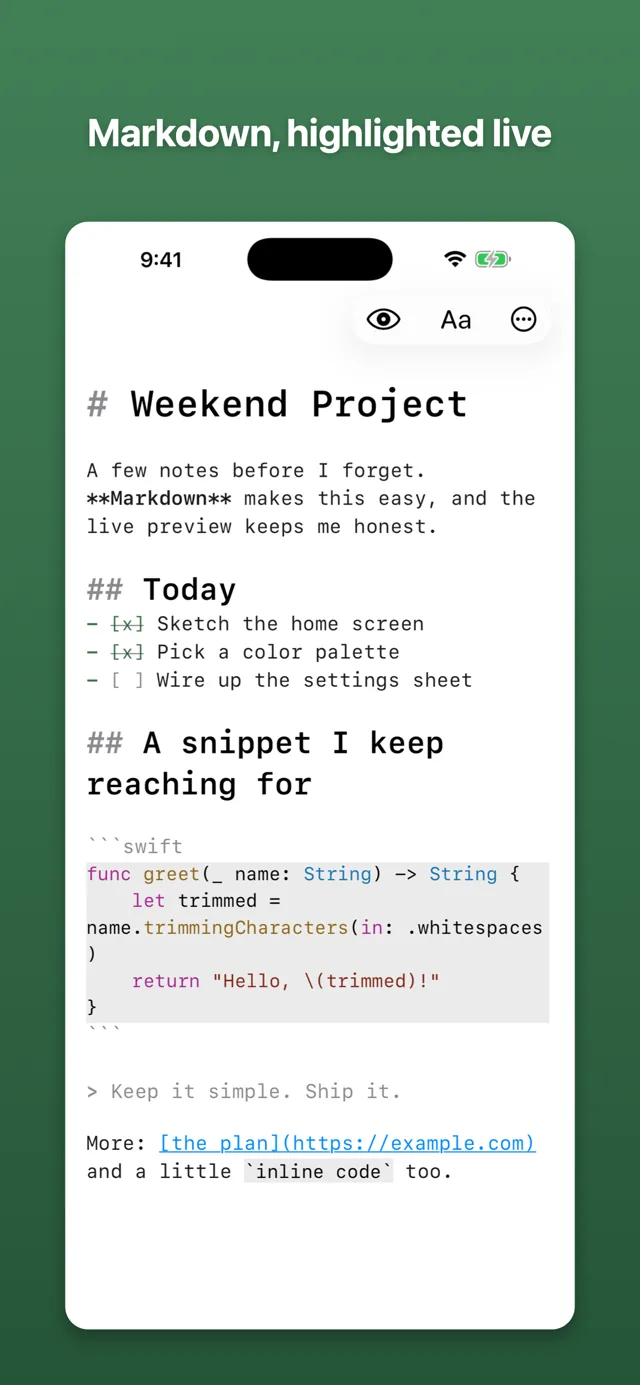
A simple, fast editor for Markdown, notes, and code. Open it and start typing. There’s no account to make and nothing to set up.
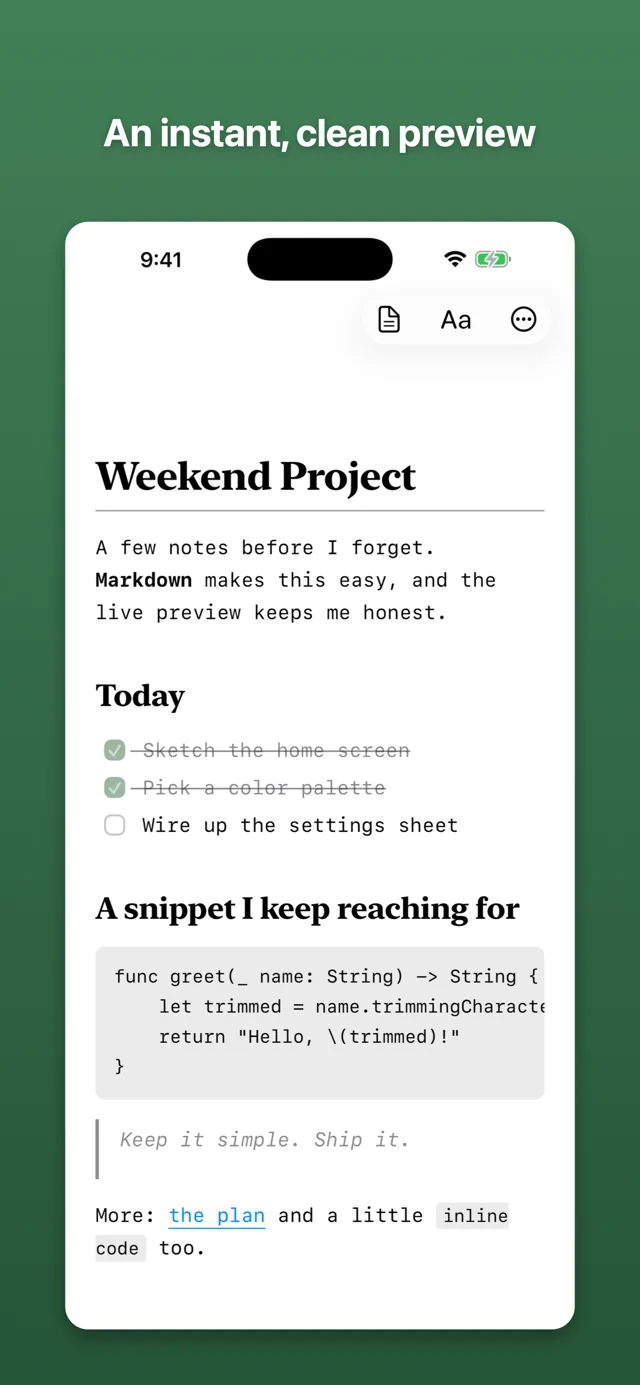
Your Markdown is highlighted as you write — headings, bold, links, lists, code blocks — and when you want to see how it’ll look, switch to Preview. Everything saves as a normal file in the Files app and iCloud Drive, so your writing stays yours: open it anywhere, move it, or back it up however you like.
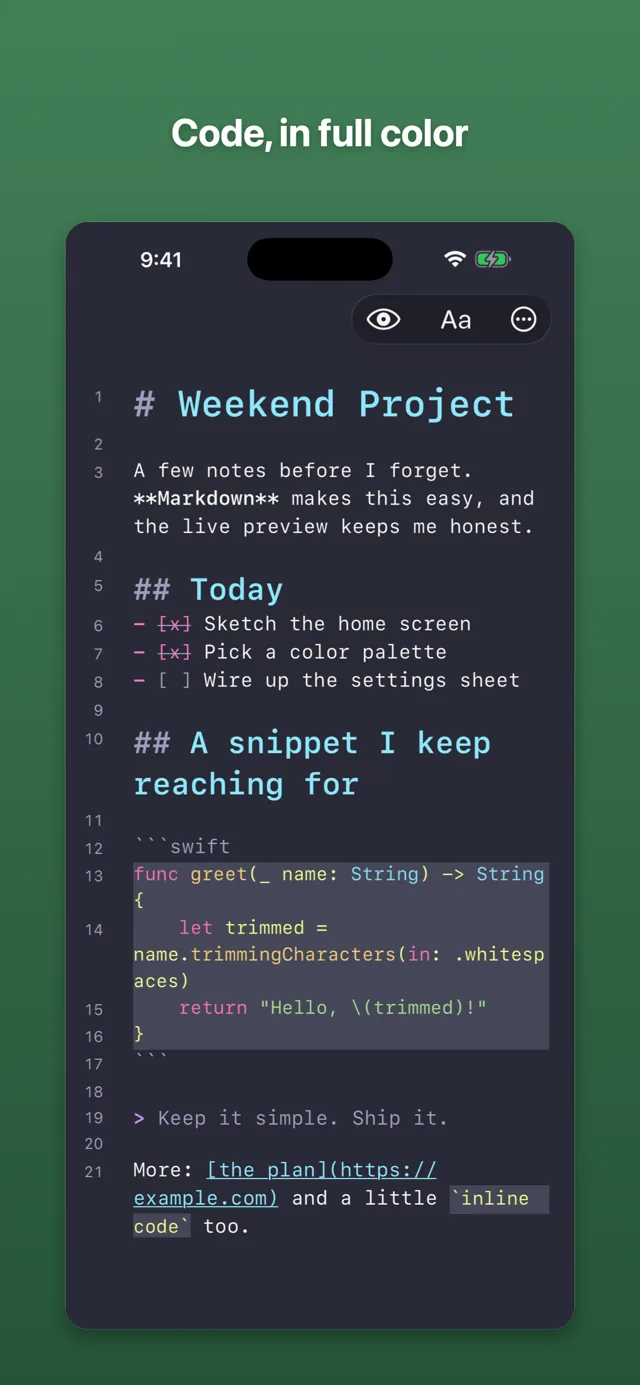
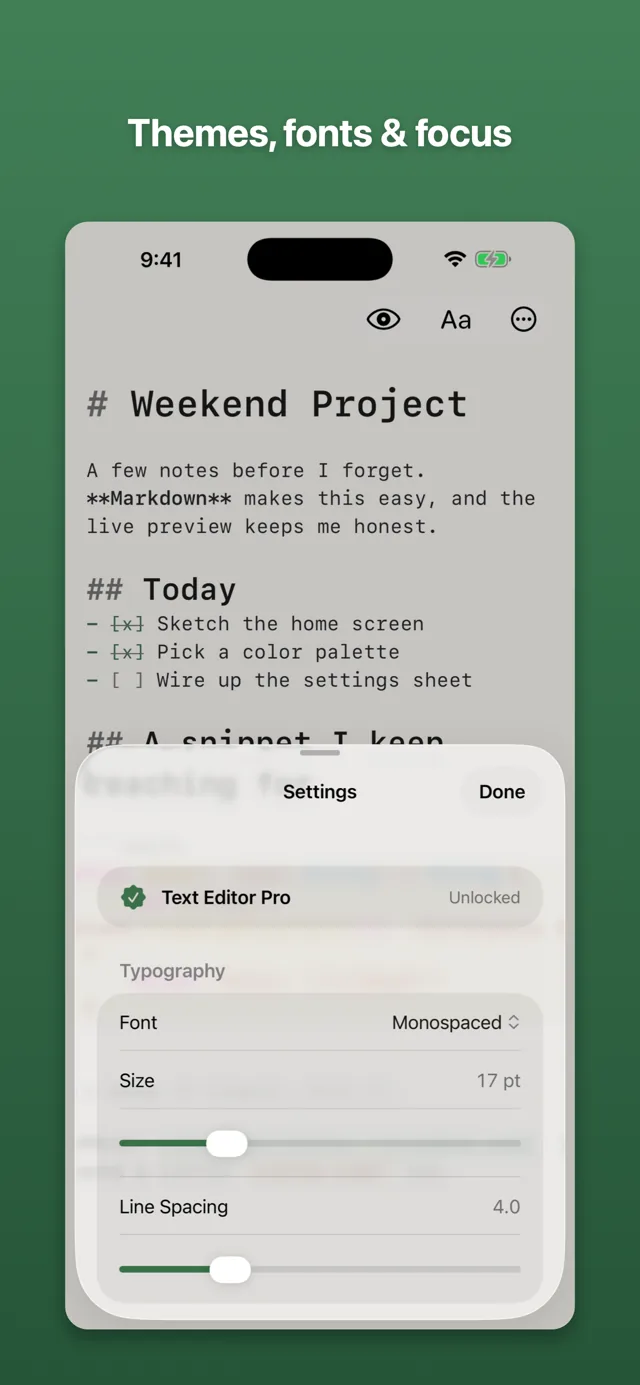
Text Editor Pro is a one-time purchase, no subscription. It adds syntax highlighting in code blocks, five more themes, Focus and Typewriter modes, Split View on iPad, line numbers, Find & Replace with regular expressions, and writing stats.
features/
- Live Markdown highlighting and a clean Preview
- Plain files in the Files app and iCloud Drive
- Find, a heading outline, and a live word count
- Nine themes, including Solarized, Nord, and Dracula
- Focus and Typewriter modes, Split View on iPad
- No ads, no tracking, nothing collected
screens/
Scroll to explore
details/
support/
Found a bug in Text Editor? Have an idea? Email jake@jakehaas.com.