
Indigo
Play your classic game files
iPhone, iPad & Android · Free · Utilities
View on the App Store ↗View on Google Play ↗
about/
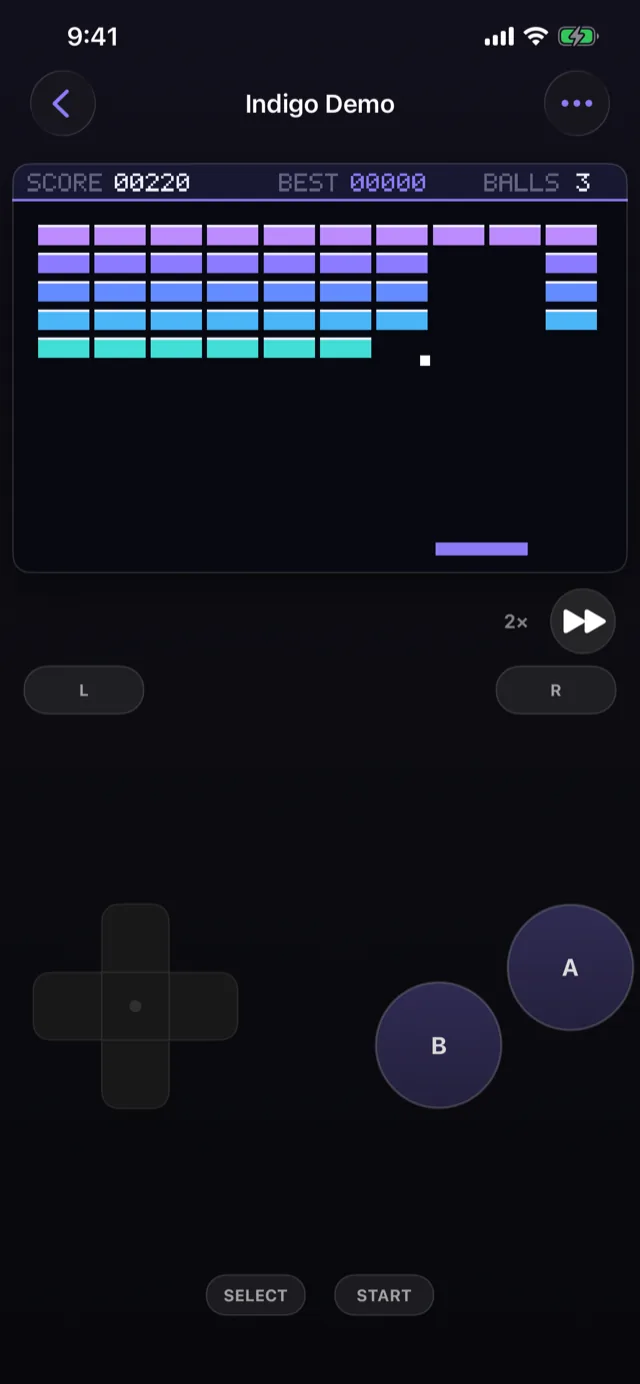
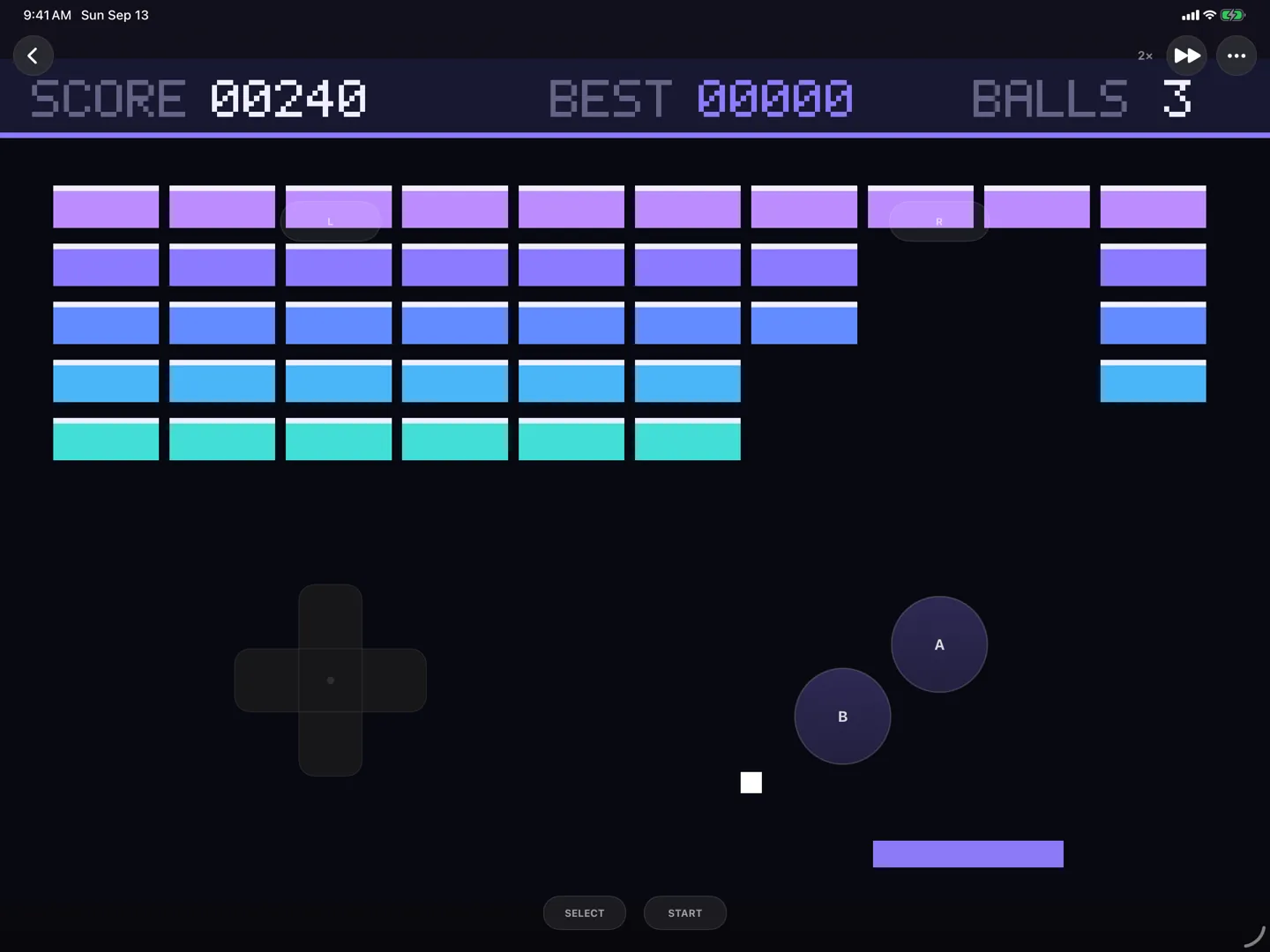
Indigo plays Game Boy, Game Boy Color and Game Boy Advance game files on your phone and tablet, on iOS and Android. You supply the files; the app supplies a careful emulator and a small game of its own, so there is something to play the moment you open it.
The emulator underneath is built for correctness before anything else. It passes the standard hardware test suites, and where those run out it was measured against a real Game Boy Advance — purpose-built test cartridges, run on the console, timing the processor against the display down to the individual cycle. Games that lean on hardware quirks behave the way they do on the console rather than the way that happens to be convenient.
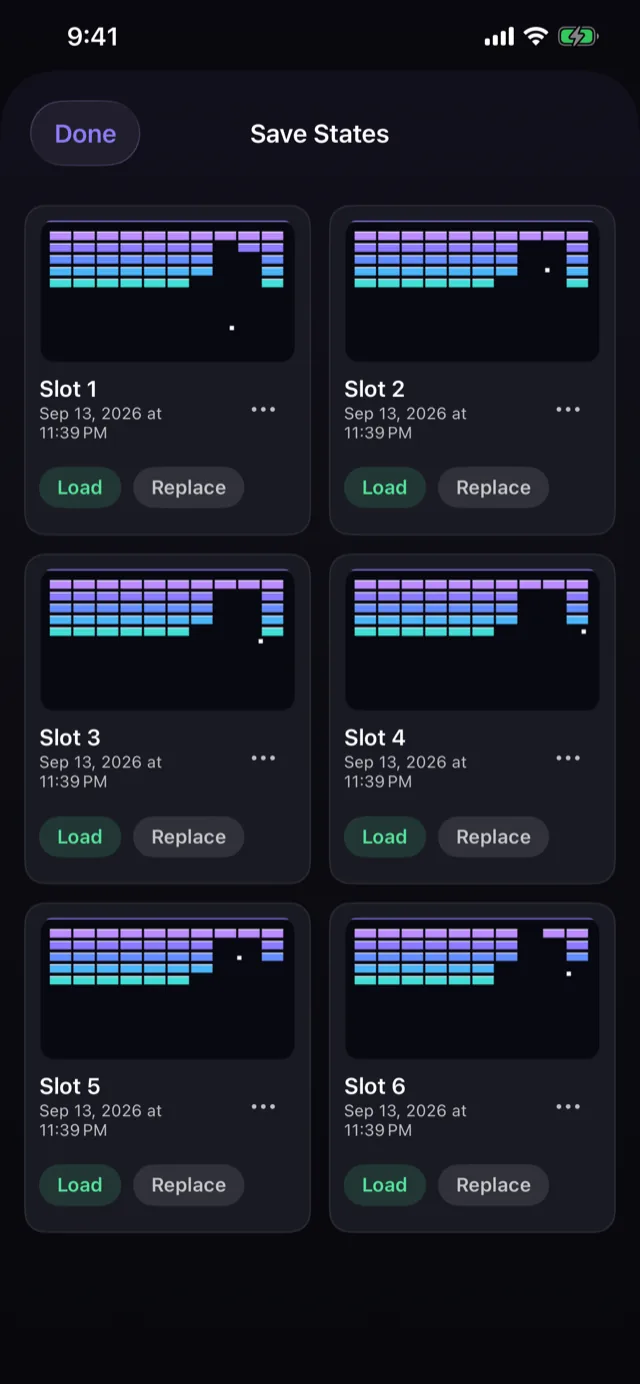
Save states with screenshots, an autosave that puts you back where you left off, and fast-forward. Several named battery saves per cartridge, so two people can play the same game without fighting over one file. Zipped game files open directly, since that is how most of them arrive.
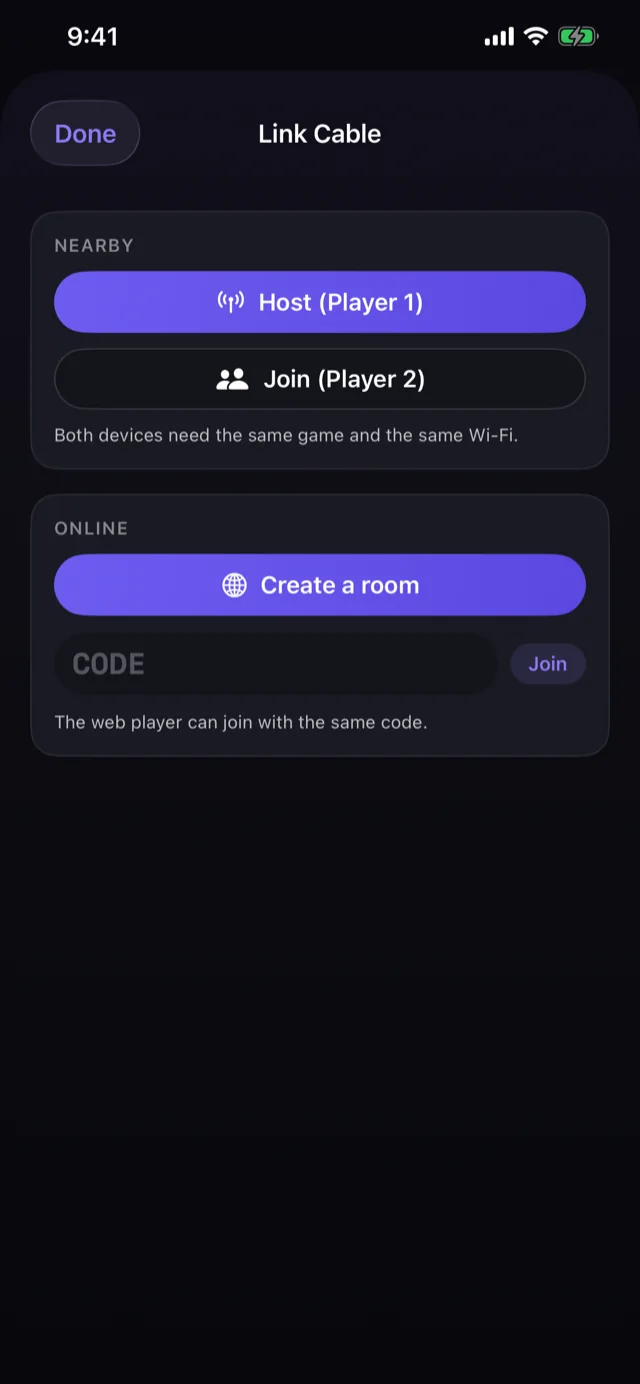
A link cable that works: over your local network, or online with a room code so a friend anywhere can join. Phones link with the browser version too.
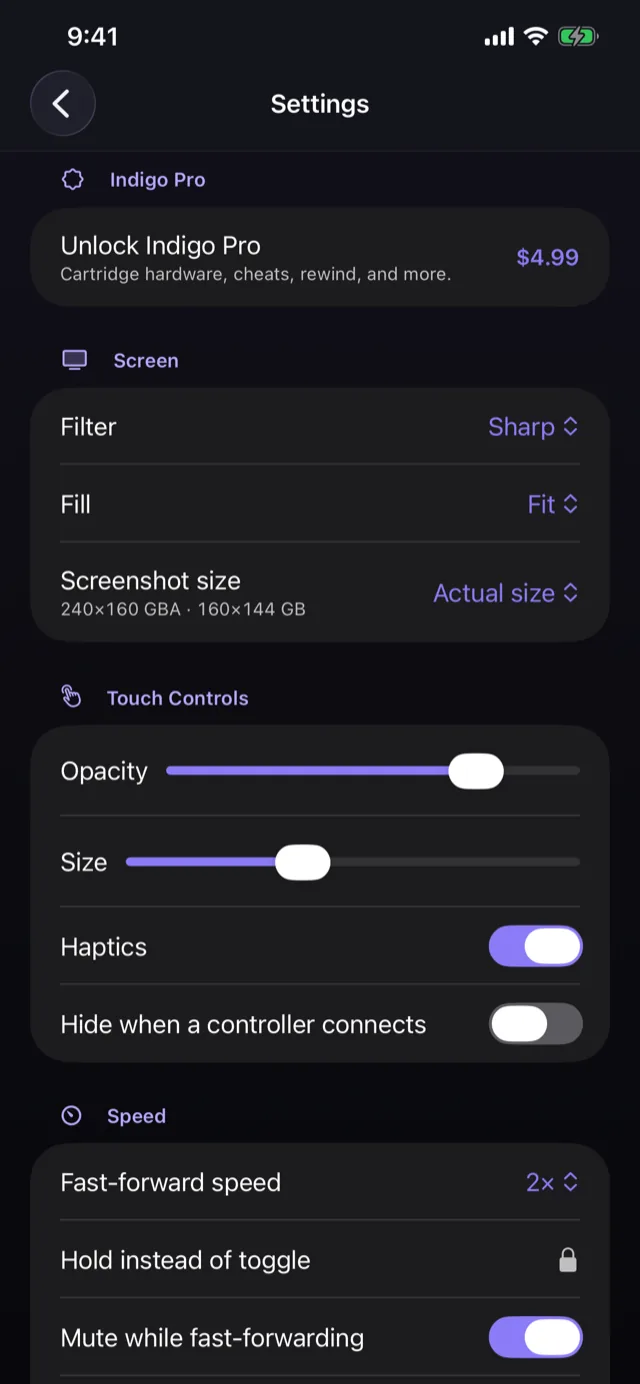
Physical controllers and keyboards are supported, with the touch pad stepping aside automatically when one connects. There is no account, no advertising and no analytics.
Indigo Pro is one purchase, made once: rewind, cheat codes, six save slots per game, fast-forward up to 4×, the cartridge hardware (tilt, gyro, rumble and the solar sensor), the Game Boy Printer, and screenshots at up to 6×. Playing, saving and loading never need it, and nothing recurs.
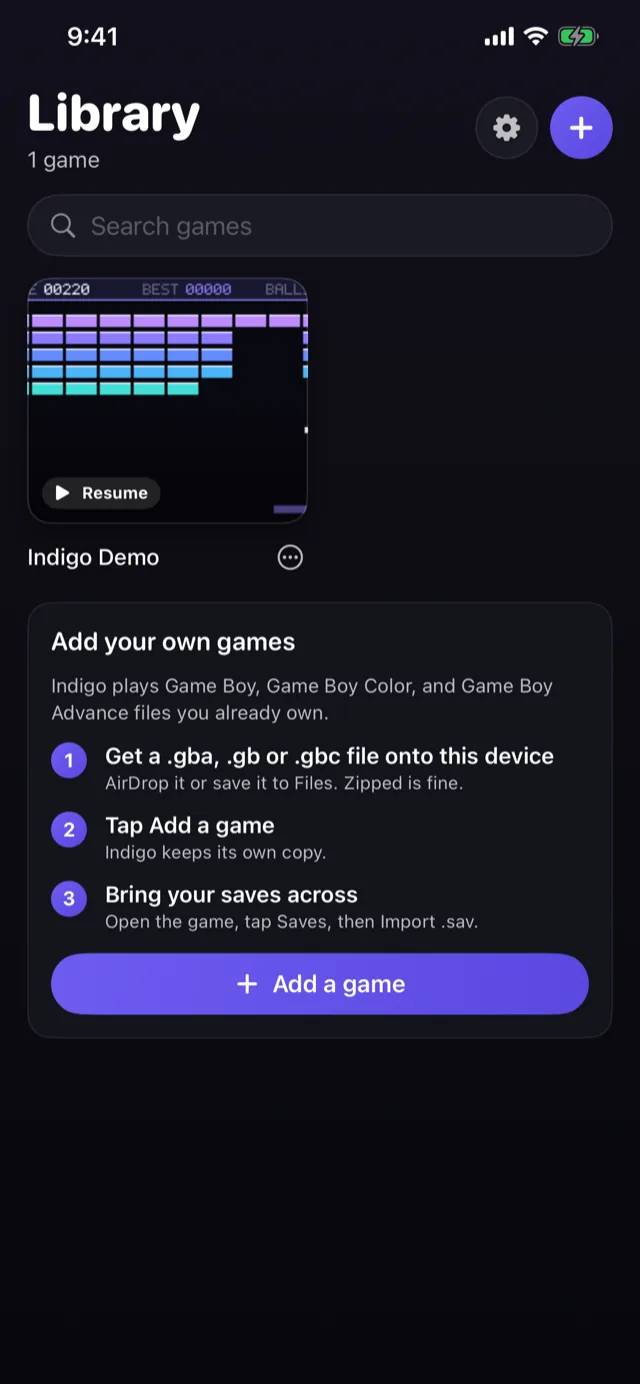
Indigo does not include, sell, link to, or help you find game files. Add your own through the Files app, AirDrop, or your Android file manager. Not affiliated with, endorsed by, or sponsored by Nintendo.
features/
- Game Boy, Game Boy Color and Game Boy Advance
- Timing measured against real hardware, not approximated
- Save states with screenshots, plus autosave and resume
- Several named battery saves per cartridge
- Zipped game files import directly
- Link cable over local network or online by room code
- Controllers and keyboards, with the touch pad auto-hiding
- A library that reads each game's real title from the cartridge and finds its cover art
- Indigo Pro, one purchase: rewind, cheats, cartridge sensors, the Game Boy Printer
- No account, no ads, no analytics, no subscription
screens/
Scroll to explore
details/
support/
Found a bug in Indigo? Have an idea? Email jake@jakehaas.com.