~/apps/netkit

NetKit
Ping, DNS & network diagnostics
iPhone & iPad · $4.99 · Utilities
Coming soon to the App Store
about/
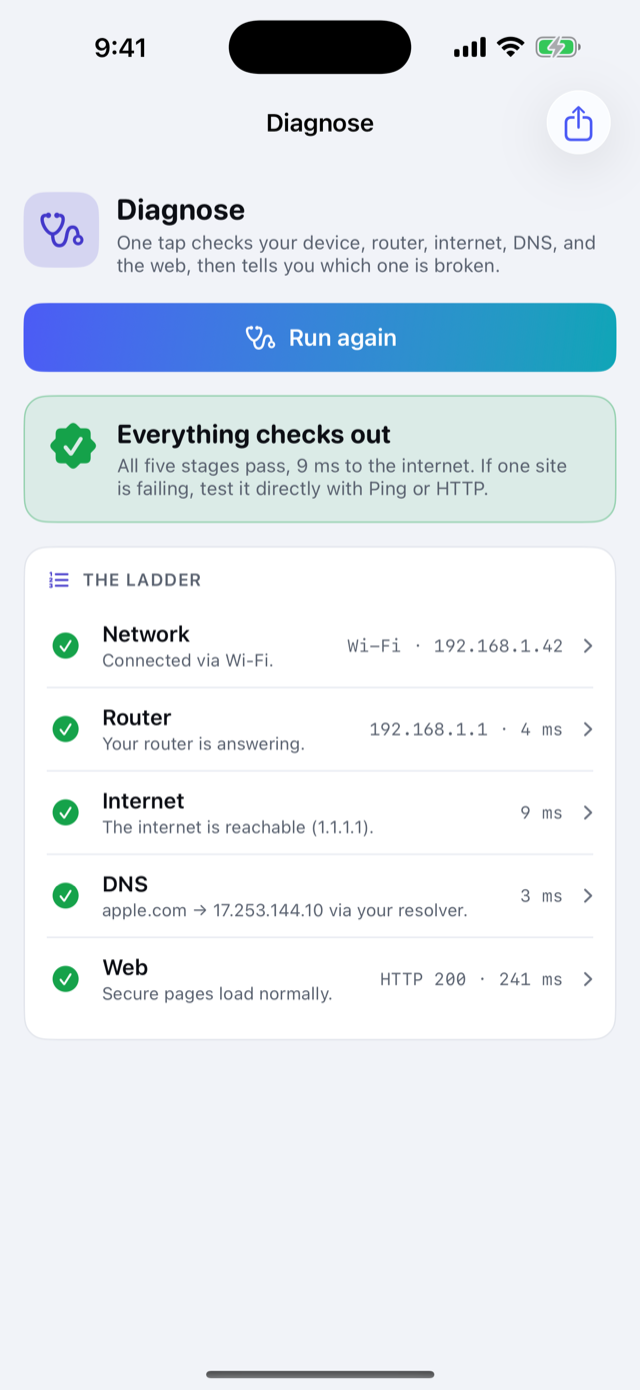
Something on the network is down, and you're the one who gets asked why. NetKit's answer is Diagnose: one tap checks your device, your router, the internet, DNS, and a secure page, then says in plain words which one is broken. Every step opens the full tool behind it when you want to dig deeper.
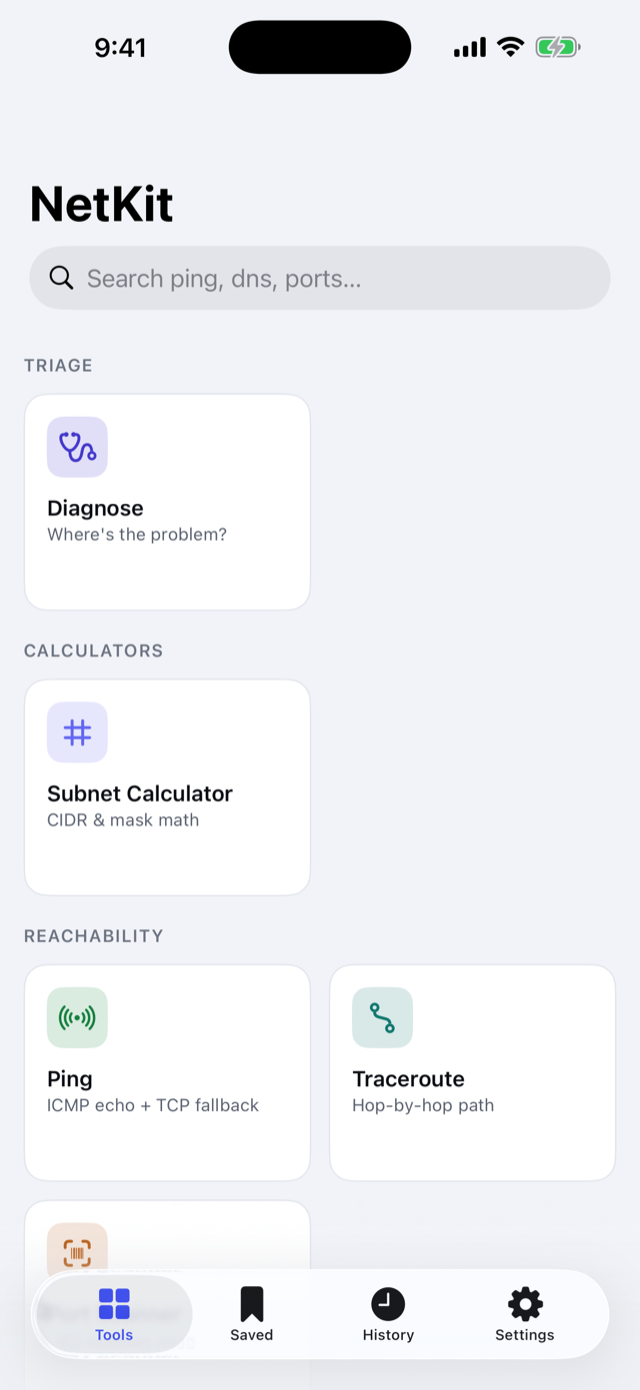
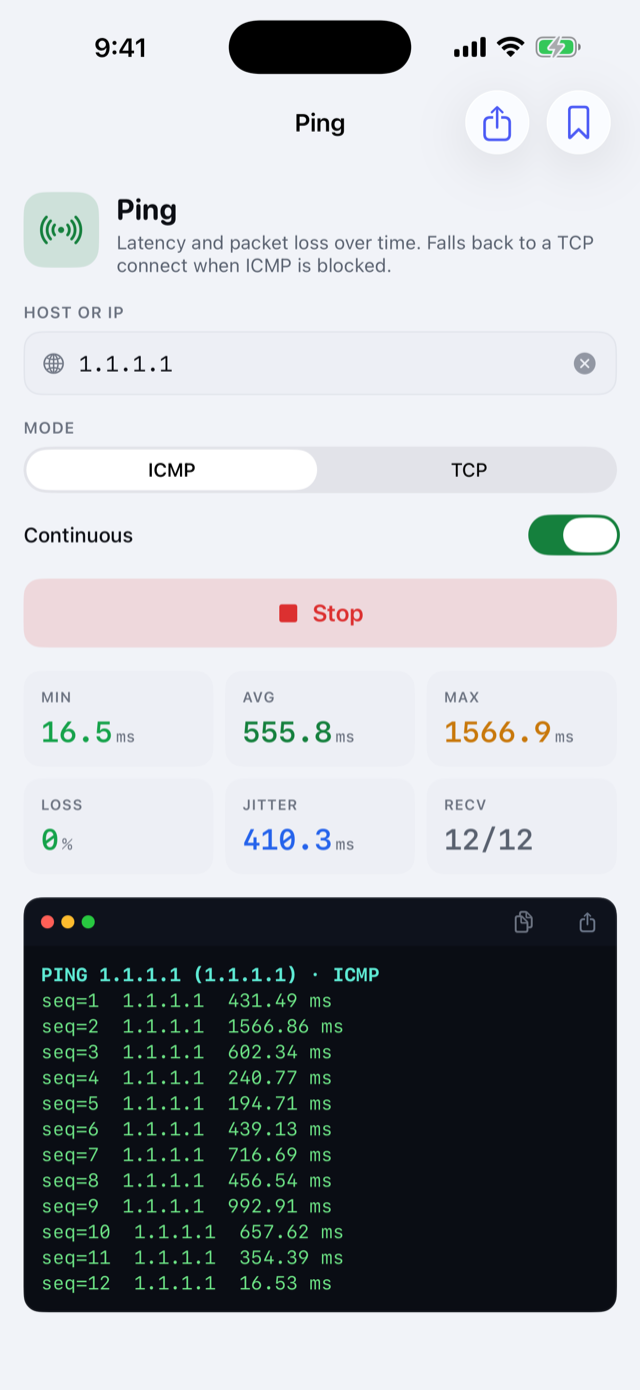
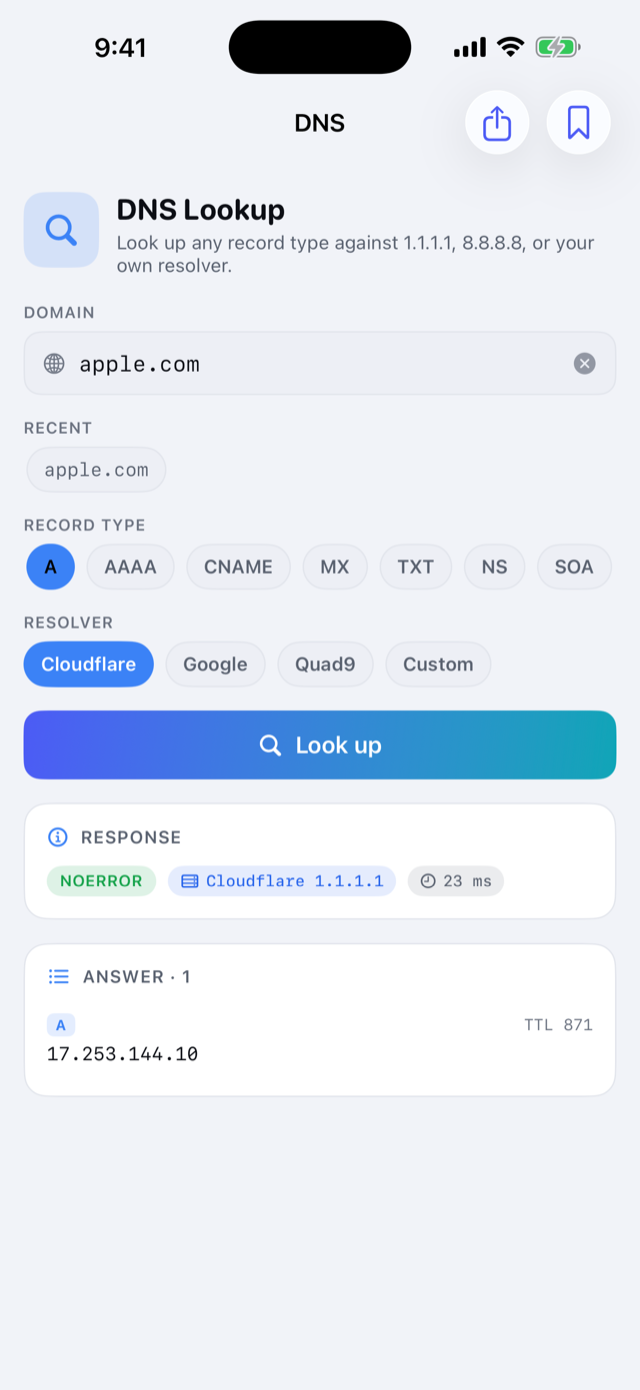
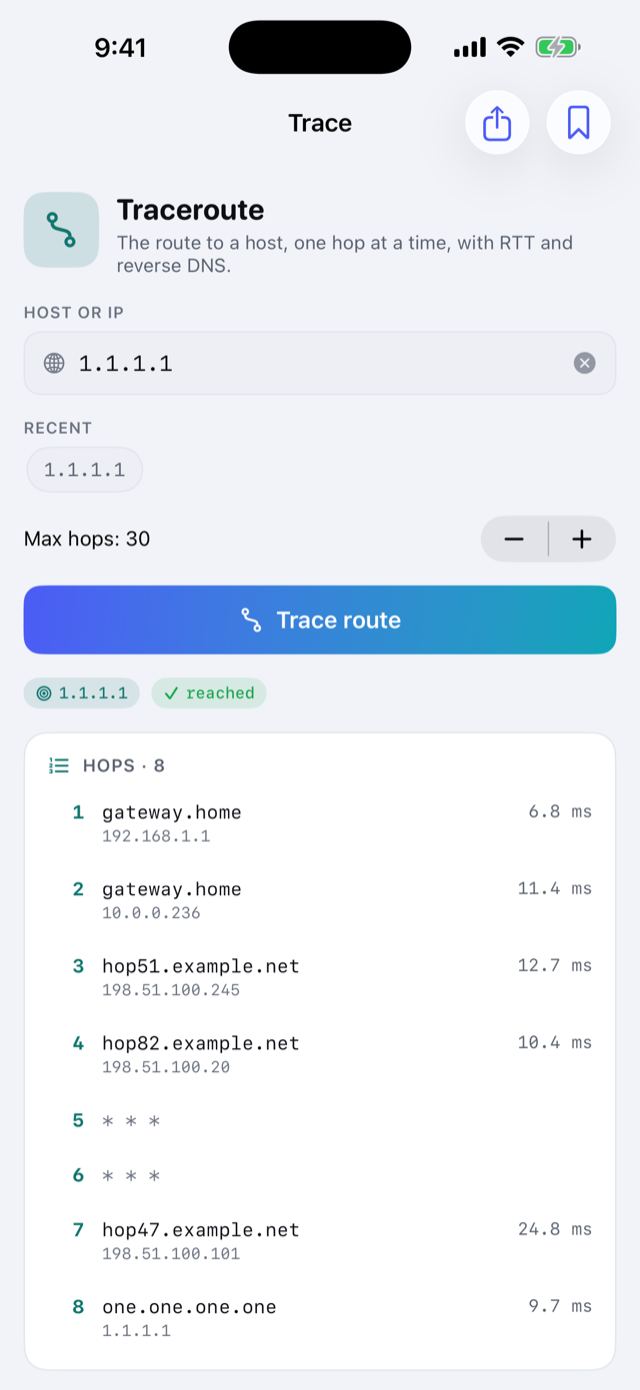
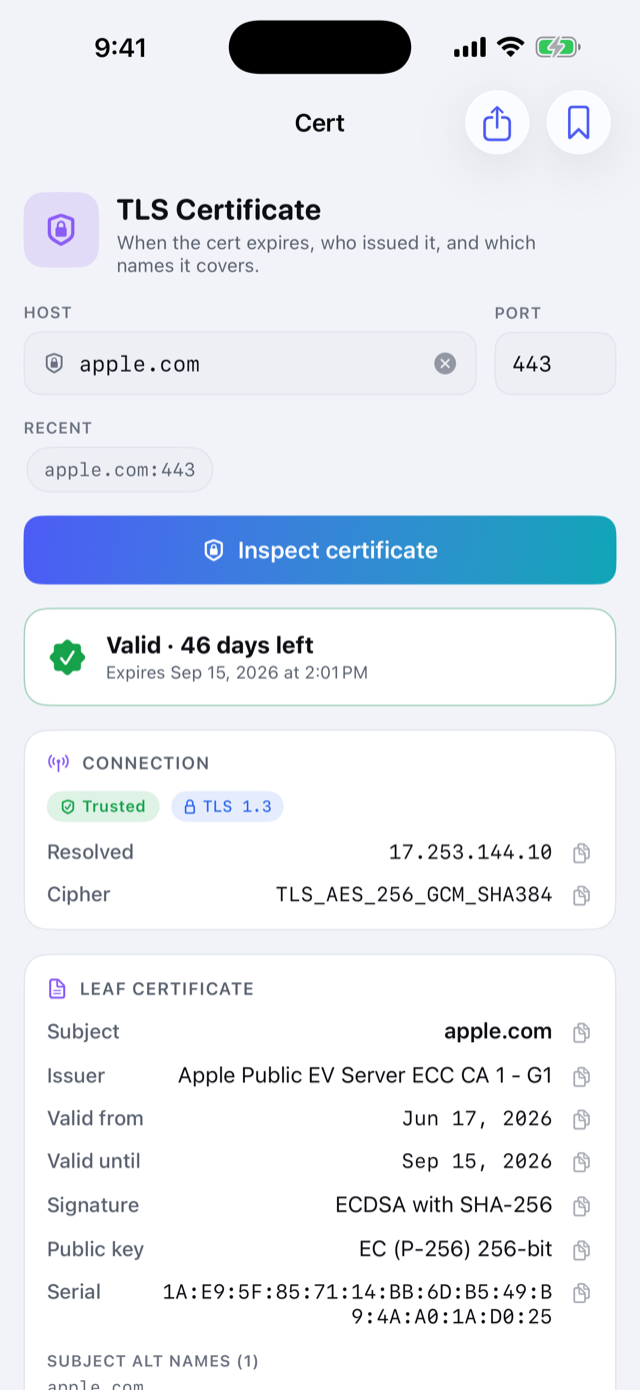
Behind it are fourteen more tools for when you already know where to look: continuous ping with jitter and packet loss, traceroute, a port scanner, DNS lookups against the resolver you choose, whois with expiry countdowns, TLS certificate inspection, HTTP timing, LAN discovery that names the devices it finds, Wake-on-LAN, a subnet calculator, and more.
The internals are real. DNS is a from-scratch client, so record types and TTLs are actual answers rather than whatever the system resolver hands back. Certificates go through a hand-written X.509 parser, which is why expired and self-signed ones open instead of erroring out. Ping and traceroute use the same unprivileged ICMP socket the system ping command uses.
Save a host once and run it through any tool. Every run lands in History with a one-tap re-run, and history and saved hosts export as JSON or CSV. A Home Screen and Lock Screen widget keeps your public IP in sight and flags when it changes. One price, everything included: no subscription, no ads, no account, and nothing collected.
features/
- One-tap Diagnose names the broken step
- Ping, traceroute, port scan, DNS, whois, TLS, HTTP timing
- LAN discovery with each device's model and maker
- Wake-on-LAN with saved devices
- Save a host once, run it through any tool
- History with re-run, JSON and CSV export
- Public IP widget that flags address changes
- No subscription, no ads, nothing collected
screens/
details/
support/
Found a bug in NetKit? Have an idea? Email jake@jakehaas.com.