StopWatch
Menu bar stopwatch & timer for the Mac
Mac · $0.99 · Productivity
about/
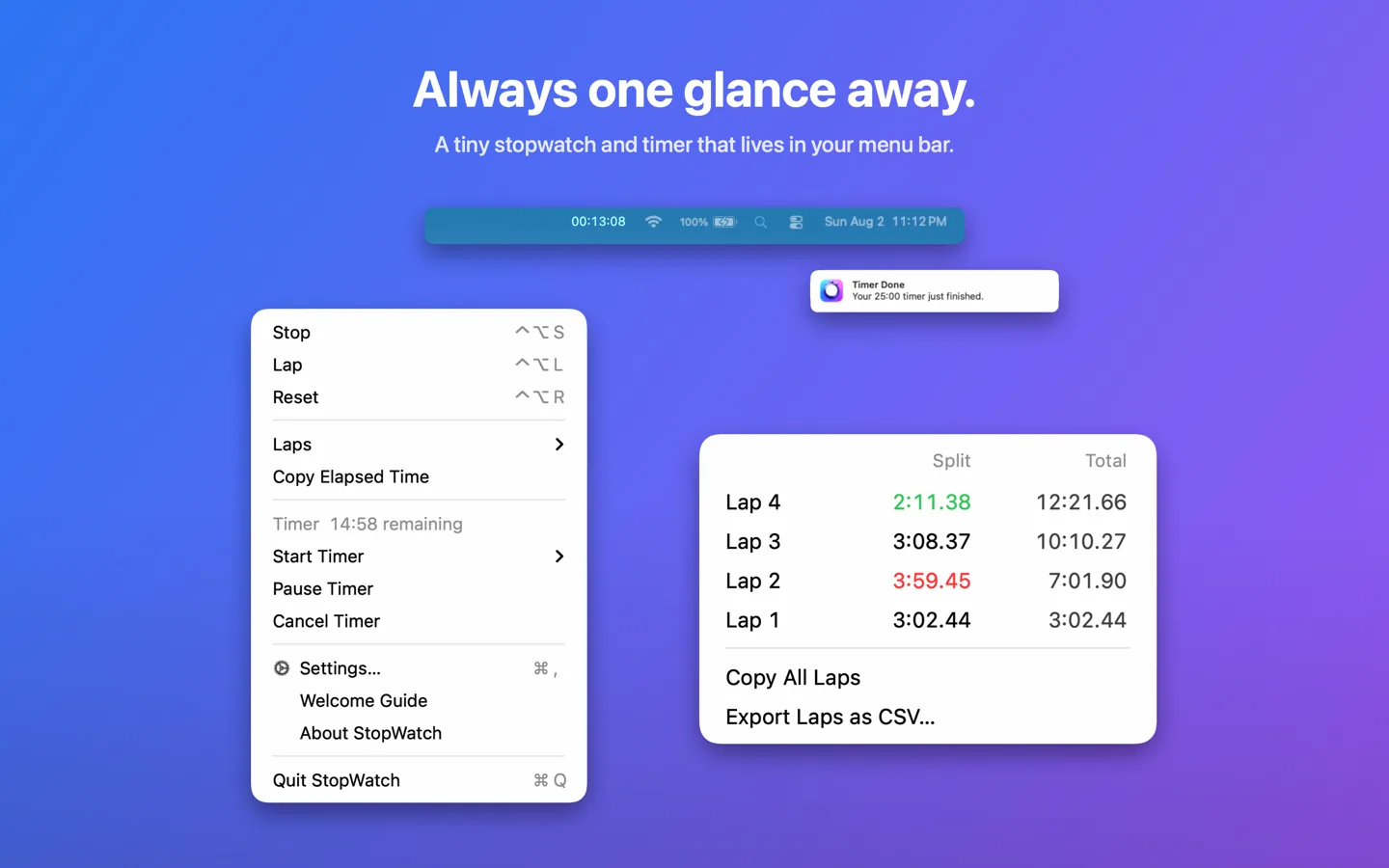
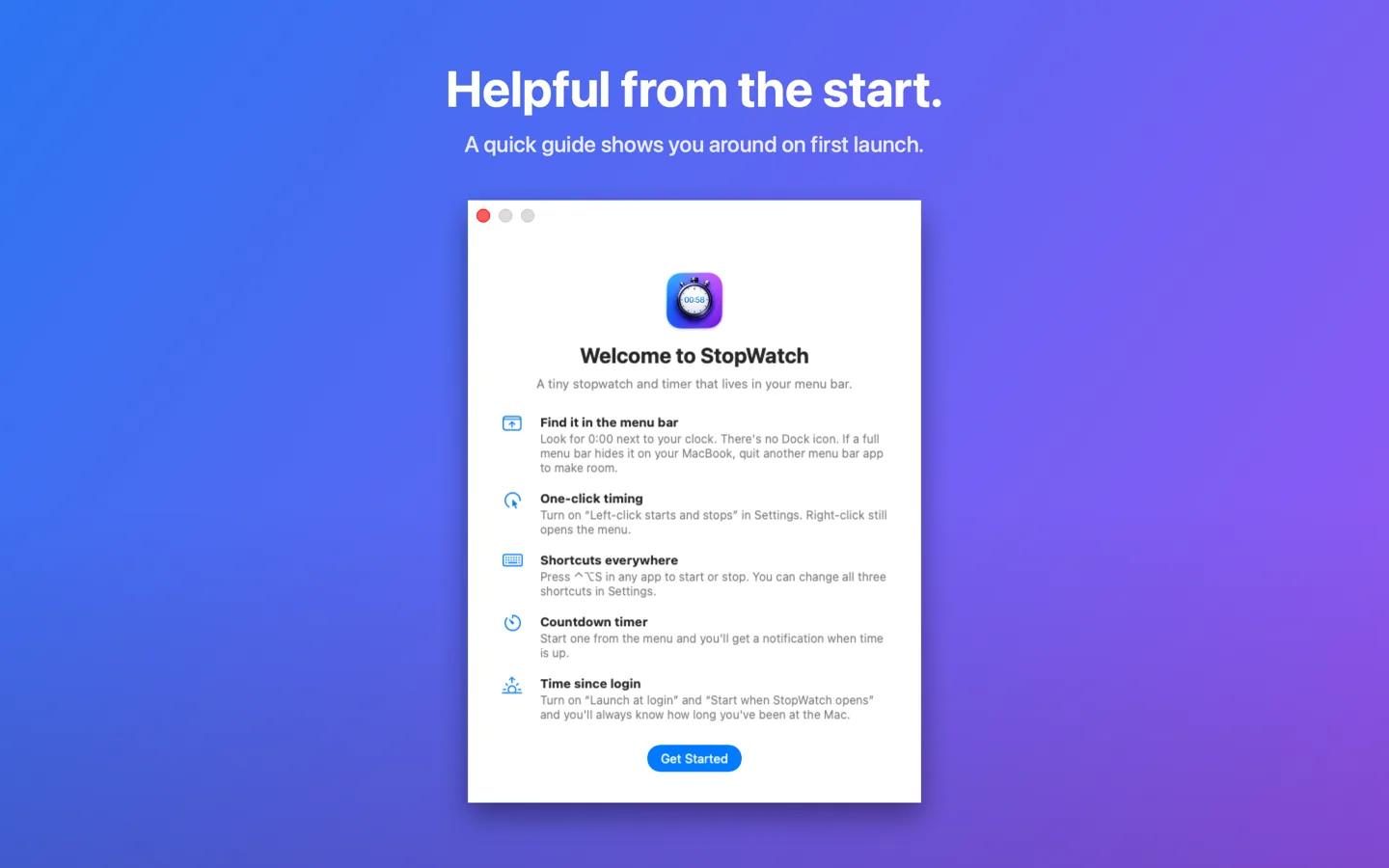
StopWatch sits next to your clock, always ticking, always one glance away. Click it or press a keystroke from any app and you’re timing: a run, a meeting, a pot of pasta, or how long you’ve been at your desk.
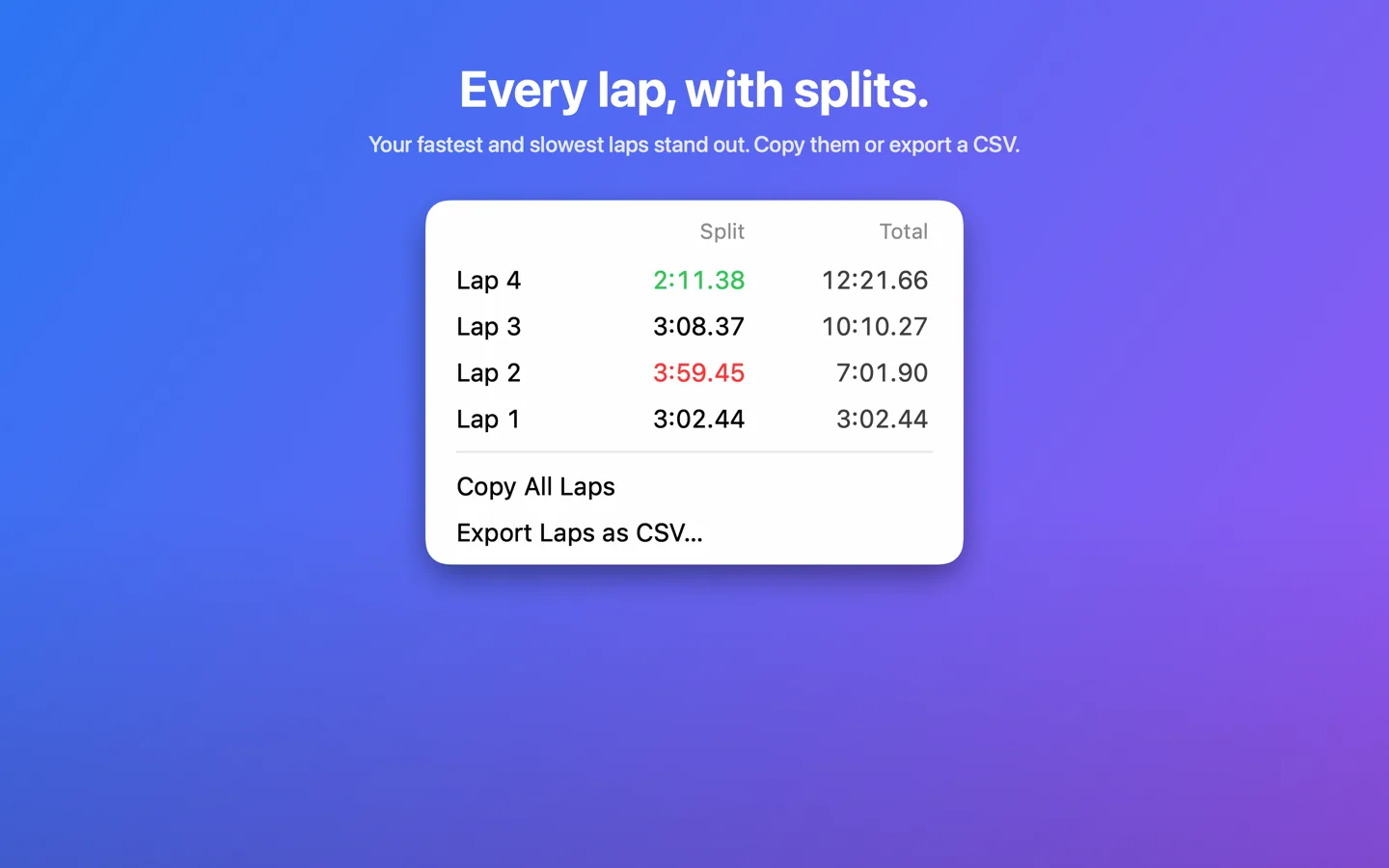
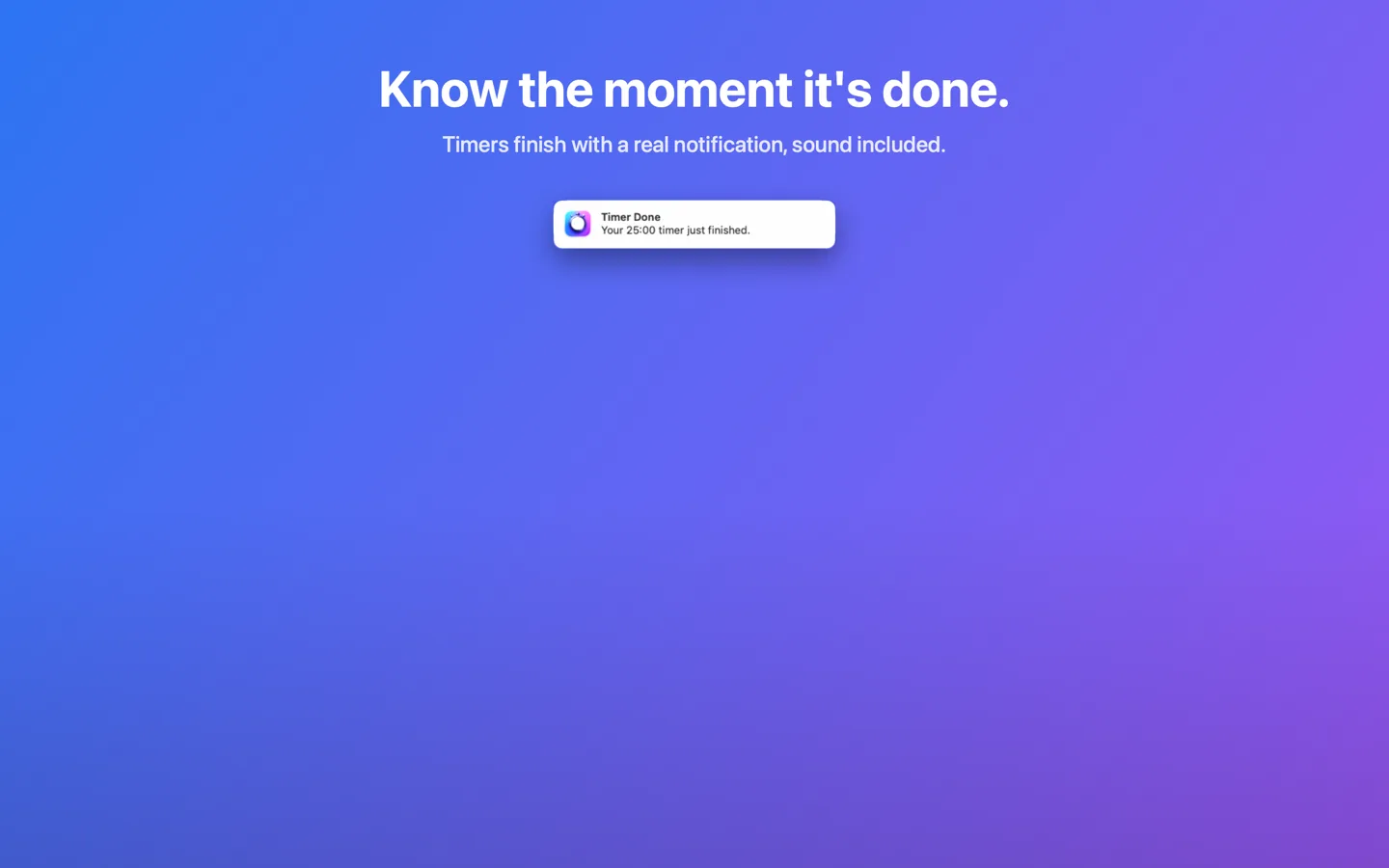
Version 2.1 added the other half: a countdown timer. Pick a preset or type something like 12:30, and a notification with sound tells you the moment time is up, even if you quit the app in between. The stopwatch grew up too, with laps that show splits and totals, your fastest and slowest marked, and a copy for any of it or a CSV export for all of it.
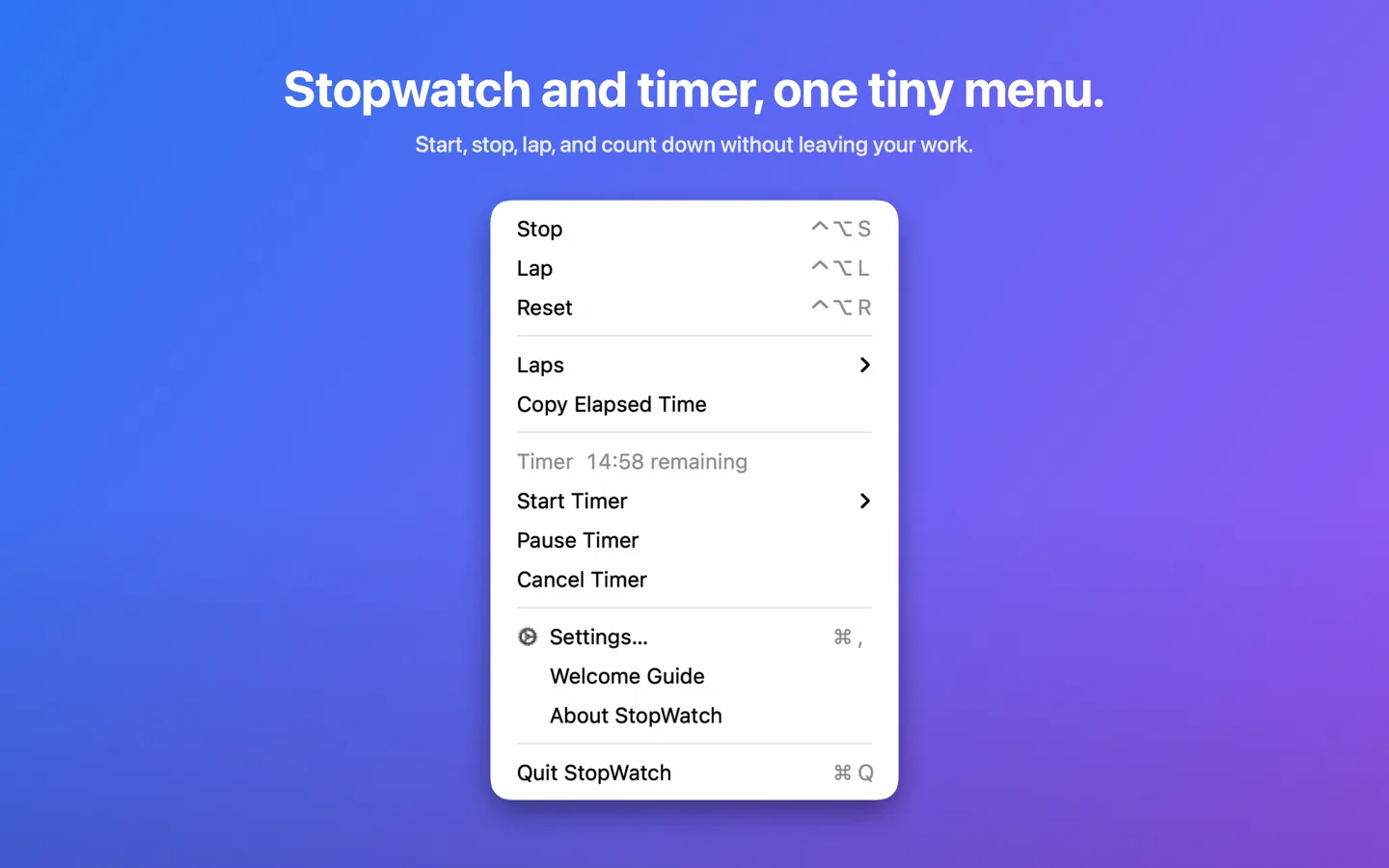
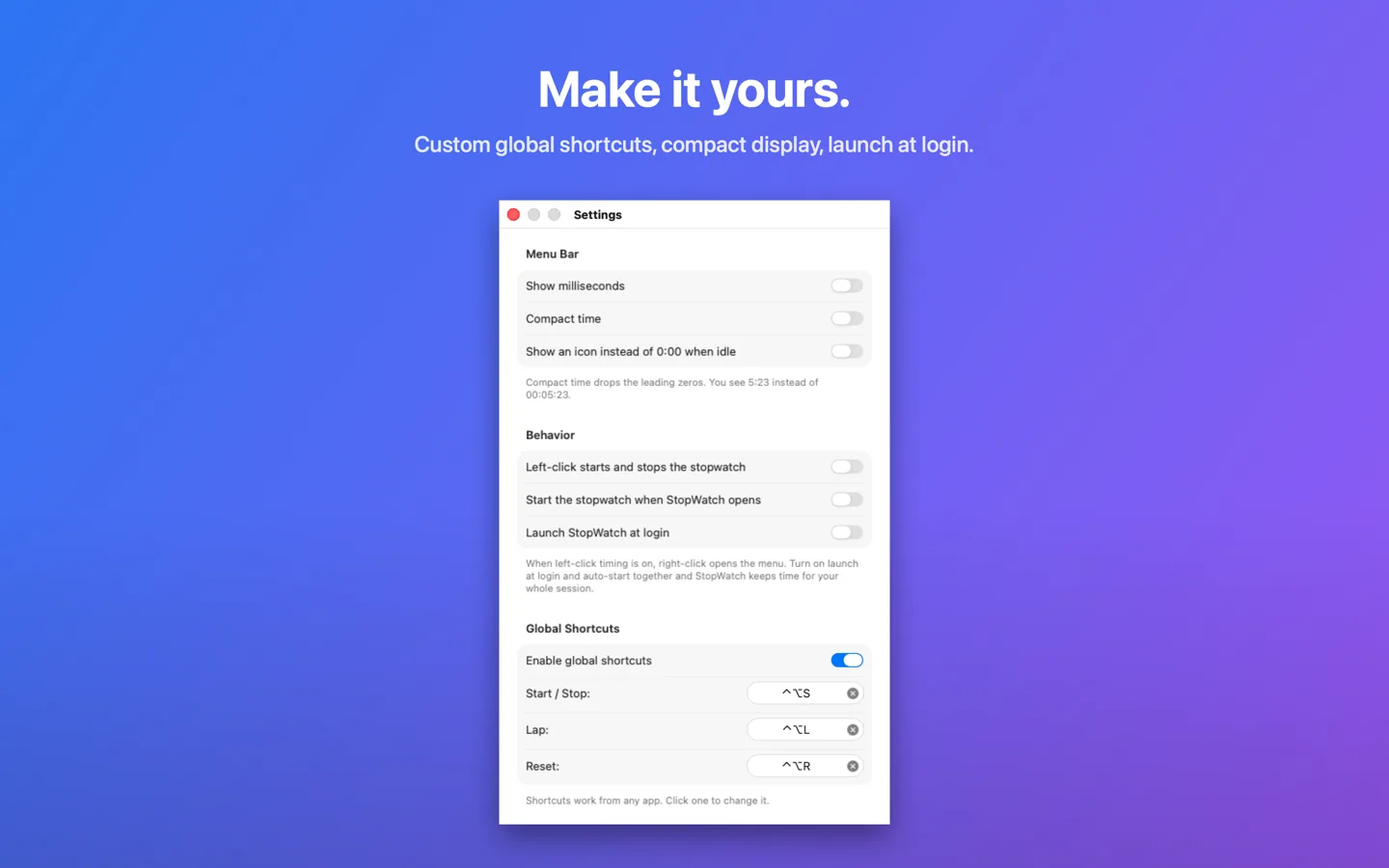
The keyboard shortcuts work no matter which app you’re in, and all three are yours to change in Settings. Turn on one click timing and the left mouse button starts and stops the stopwatch right from the menu bar. A compact display drops the leading zeros if you’d rather see 5:23 than 00:05:23.
The timing engine is anchored to the clock, so it stays right through sleep, restarts, and heavy load. Quit the app and your time is saved, paused where you left it. No accounts, no tracking, no subscriptions, and the app is sandboxed with no network access at all.
features/
- Stopwatch and countdown timer in the menu bar
- Laps with splits and totals, fastest and slowest marked
- Copy any lap or export them all as CSV
- Global shortcuts that work in any app, all three changeable
- One click timing: left-click starts and stops
- Timer notifications that arrive even if you quit the app
- Keeps perfect time through sleep and restarts
- Sandboxed, no network, nothing collected
screens/
Scroll to explore
details/
support/
Found a bug in StopWatch? Have an idea? Email jake@jakehaas.com.